Grade-level worksheet
First Grade Handwriting Worksheets
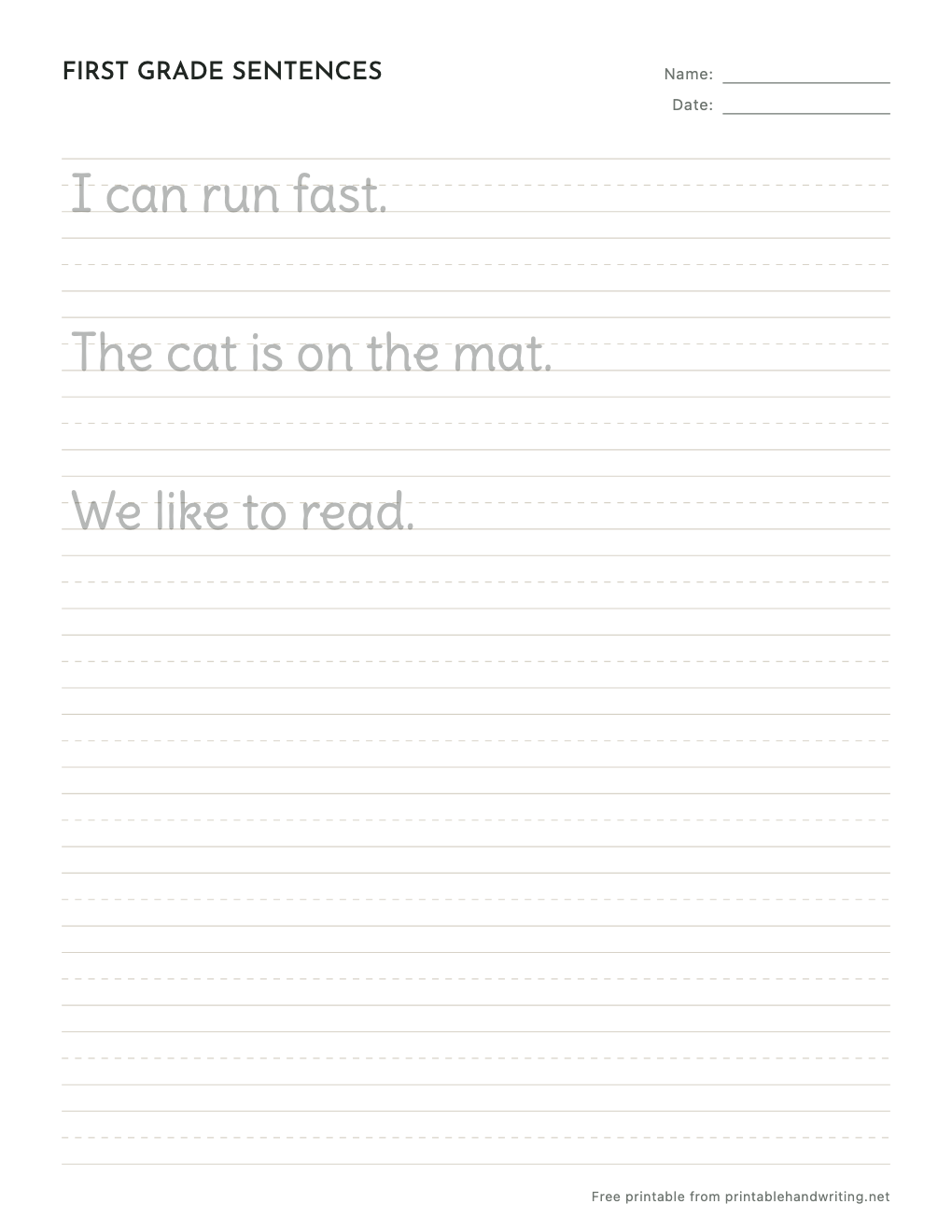
From letters to sentences. Trace short sentences, then copy them with a capital at the start, finger spaces between words, and a period at the end.
- Ages
- 6–7
- Template
- Trace and Copy
- Font
- Delius
- Guide lines
- Three-line
- Paper
- US Letter or A4
Free printable PDF
Download this sheet as shown and print it at home or school. No account needed.
Want your own words? Customizing and previewing are free; printing and downloading your custom sheets come with Pro. See plans
About this worksheet
By first grade, children are expected to print every upper- and lowercase letter (the Common Core grade 1 language standards say exactly that), so practice shifts from single letters to whole sentences. The new skills are spacing between words, keeping letters a consistent size, starting with a capital, and ending with punctuation.
This sheet traces three short sentences built from common first-grade words, each followed by blank lines for copying. Replace them with sentences from your reading book or your child’s own ideas; writing their own words gives them a reason to make the handwriting readable.
- 01
Sentence-level practice
Capitals, word spacing, and end punctuation, all in one short line.
- 02
Trace, then copy
A faded model to trace sits above blank lines for writing it independently.
- 03
Their sentences, their sheet
Type any sentences into the editor to turn journal ideas into practice.
Other grades
Questions
- How do I help my first grader space words evenly?
- Teach a finger space: after each word, they place a finger on the line and start the next word on the other side of it. A thin craft stick works well as a spacer for left-handed writers.
- Should first graders still trace?
- Briefly. Tracing a model once or twice shows the size and spacing to aim for; the copying rows are where the real practice happens.
- Are the first grade handwriting worksheets free?
- Yes. The sample sheet on this page is a free PDF in US Letter or A4, no account needed. Creating and previewing your own version is free too; printing and downloading custom sheets come with Pro, which also removes the preview watermark.